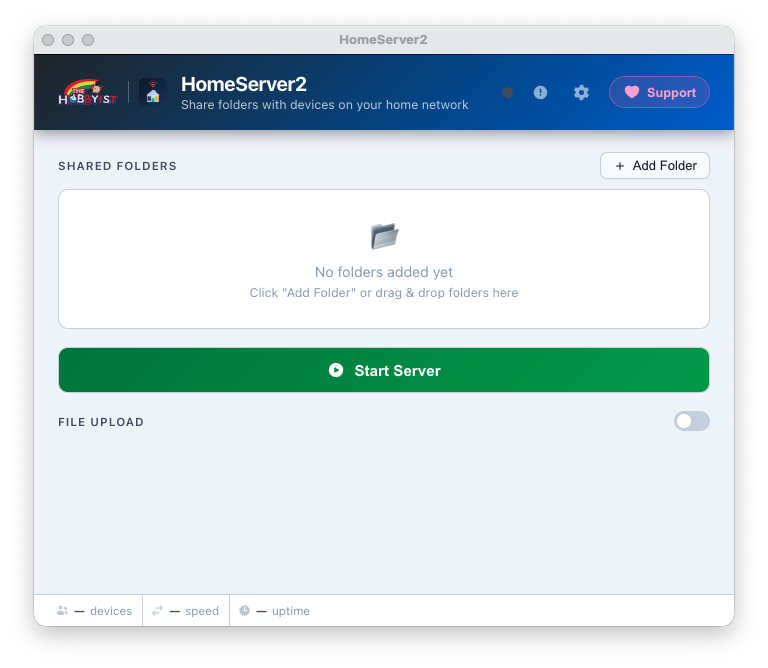
HomeServer2 packs a full-featured local file server into a lightweight
Electron app that stays out of your way.
📁
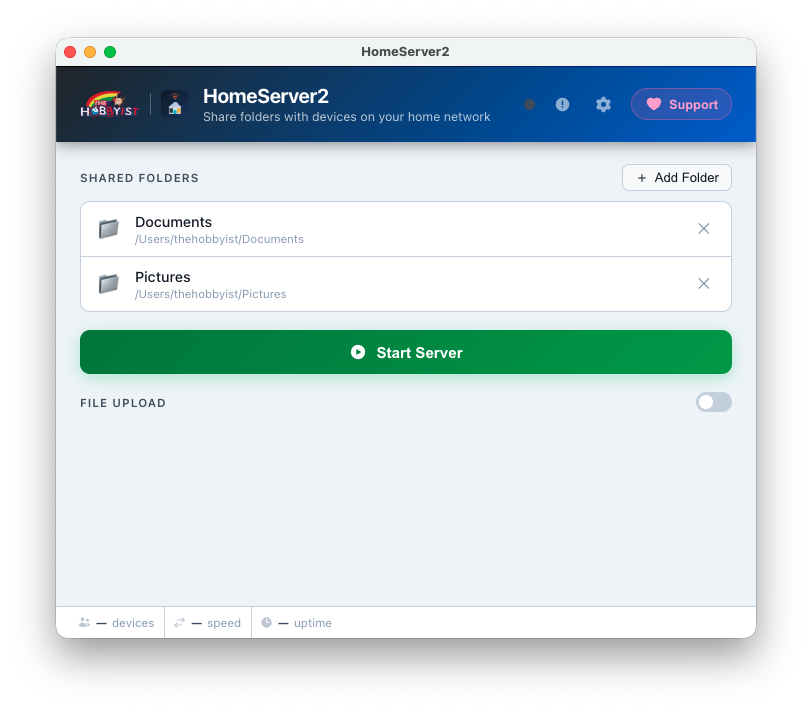
Multi-folder sharing
Add as many folders as you like — Movies, Music, Documents, whatever.
Each folder gets its own browsable route on the network page.
▶️
One-click server toggle
Hit Start Server and you're live. Hit it again to
stop. The button turns into a Stop button while running — no ambiguity.
🔗
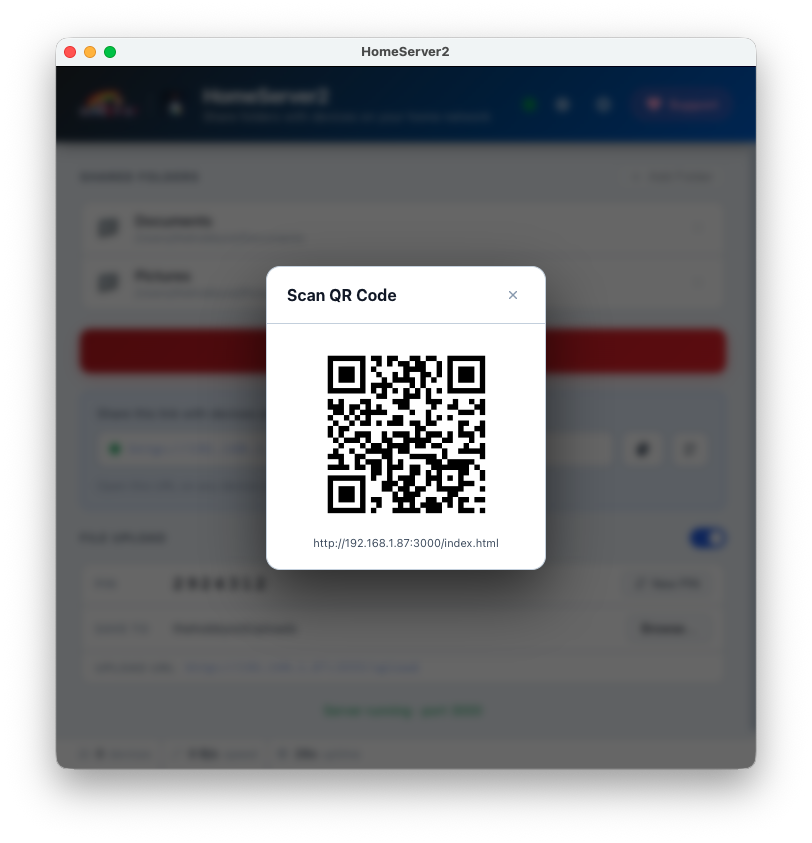
Auto-detected network URLs
The app reads every active network interface (Wi-Fi, Ethernet,
VMs) and shows you a clickable URL for each — copy with one click
and paste on any device.
🖱️
Drag & drop folders
Drag any folder from Windows Explorer straight onto the app window.
It's detected as a folder automatically — no dialog needed.
⬆️
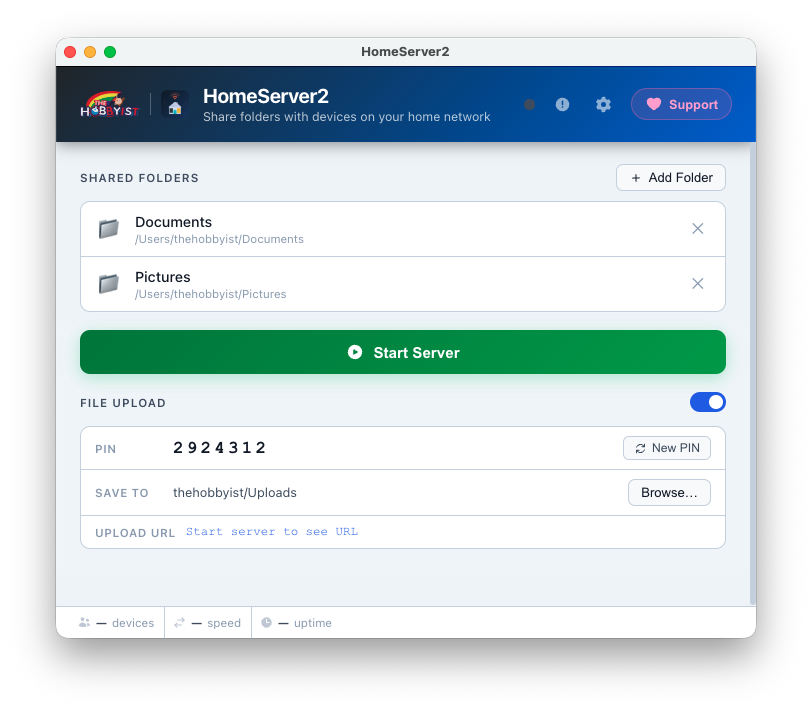
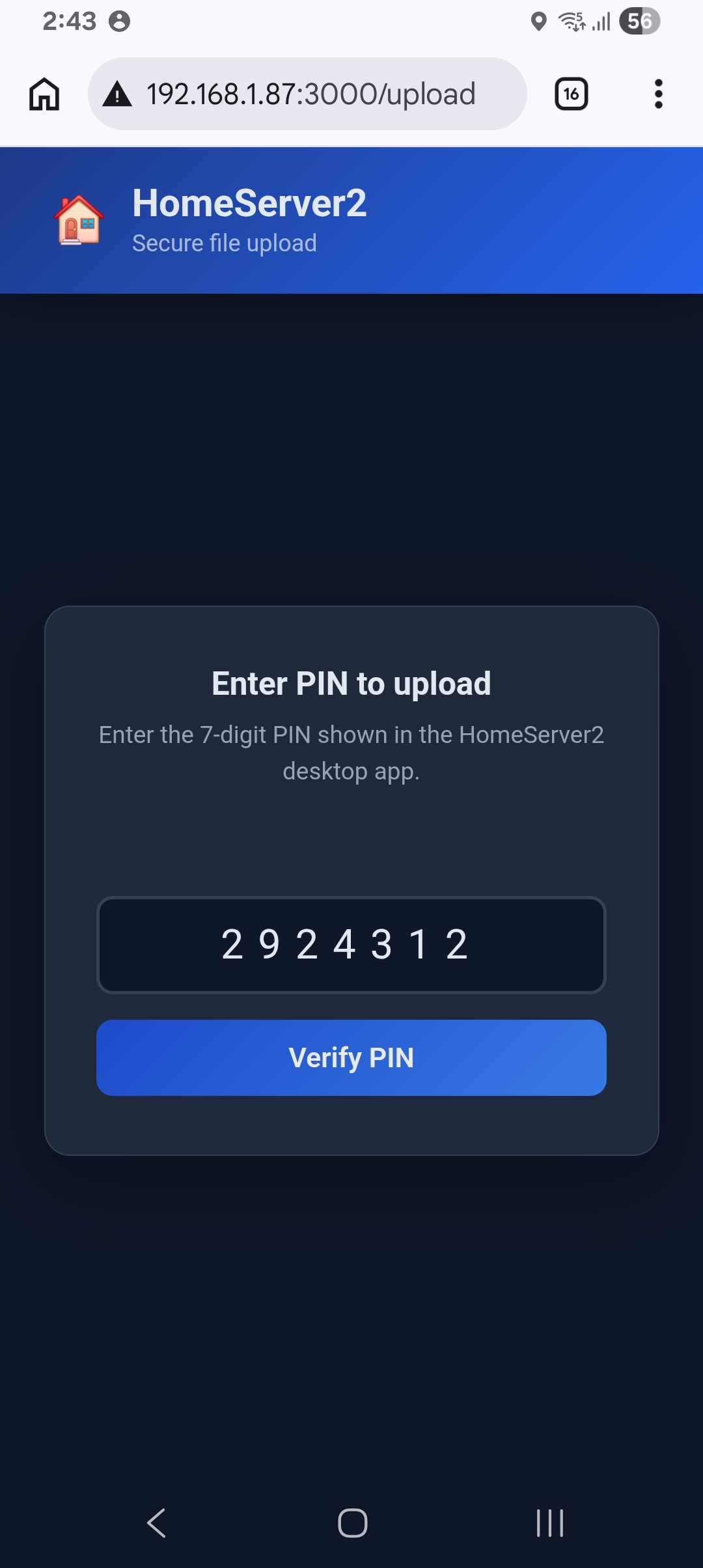
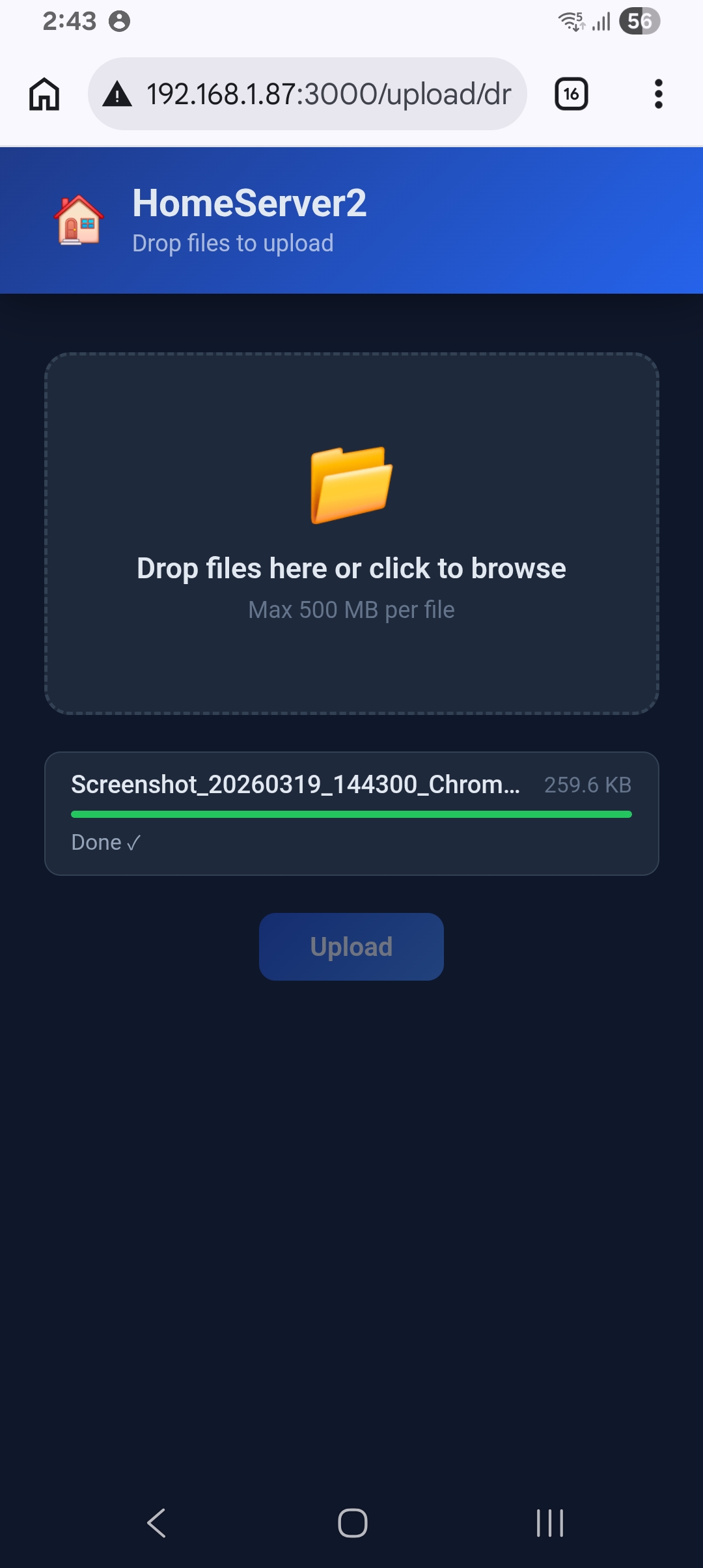
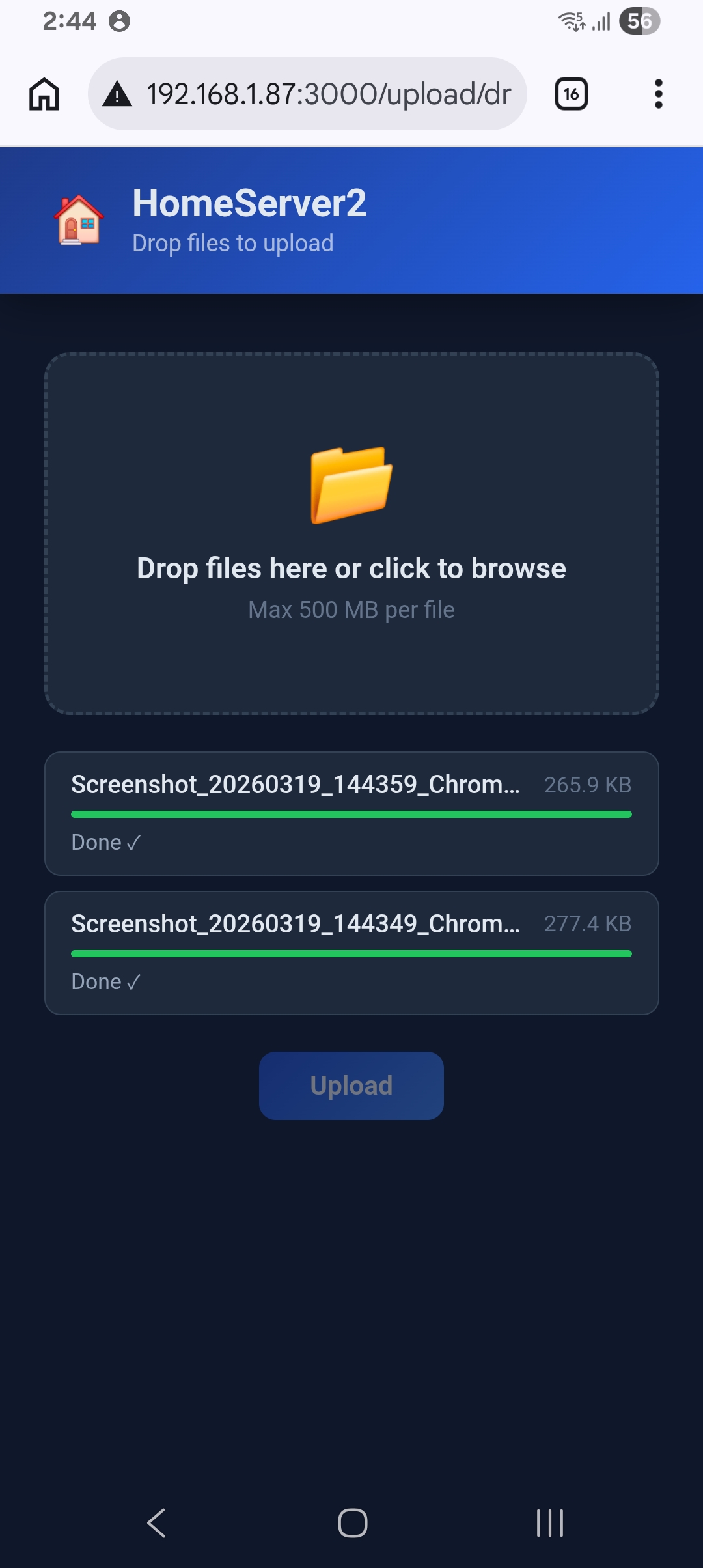
PIN-protected file upload
Let other devices send files back to your PC. Upload is
secured by a 7-digit PIN with rate-limiting and session tokens —
brute-force is blocked after 3 wrong attempts.
Security built-in
📊
Live stats bar
A real-time bottom bar shows connected device count (unique IPs
in the last 60 s), current network speed, and server uptime —
all toggleable in Settings.
🎨
8 preset themes + full customisation
Choose from Ocean Night, Dracula, Nord, Catppuccin, One Dark,
Solarized, GitHub Light, or Ayu Light. Override header colour,
text colour, and font size independently.
🖼️
Custom wallpaper
Set any image as the app background with an adjustable
opacity slider (5 – 50 %) so it never overwhelms the UI.
🔔
System tray integration
Closing the window hides the app to the system tray — the server
keeps running. The tray icon shows server status and lets you
restore the window or quit cleanly.
🔄
Auto port fallback
If port 3000 is taken, HomeServer2 automatically tries 3001,
3002 … up to 3019. The URL shown always reflects the port
actually in use — you never have to change anything.
⚙️
Configurable port
Prefer a specific port? Change it in Settings (any value
1024 – 65535). Applied the next time you start the server.
🌐
Clean browser interface
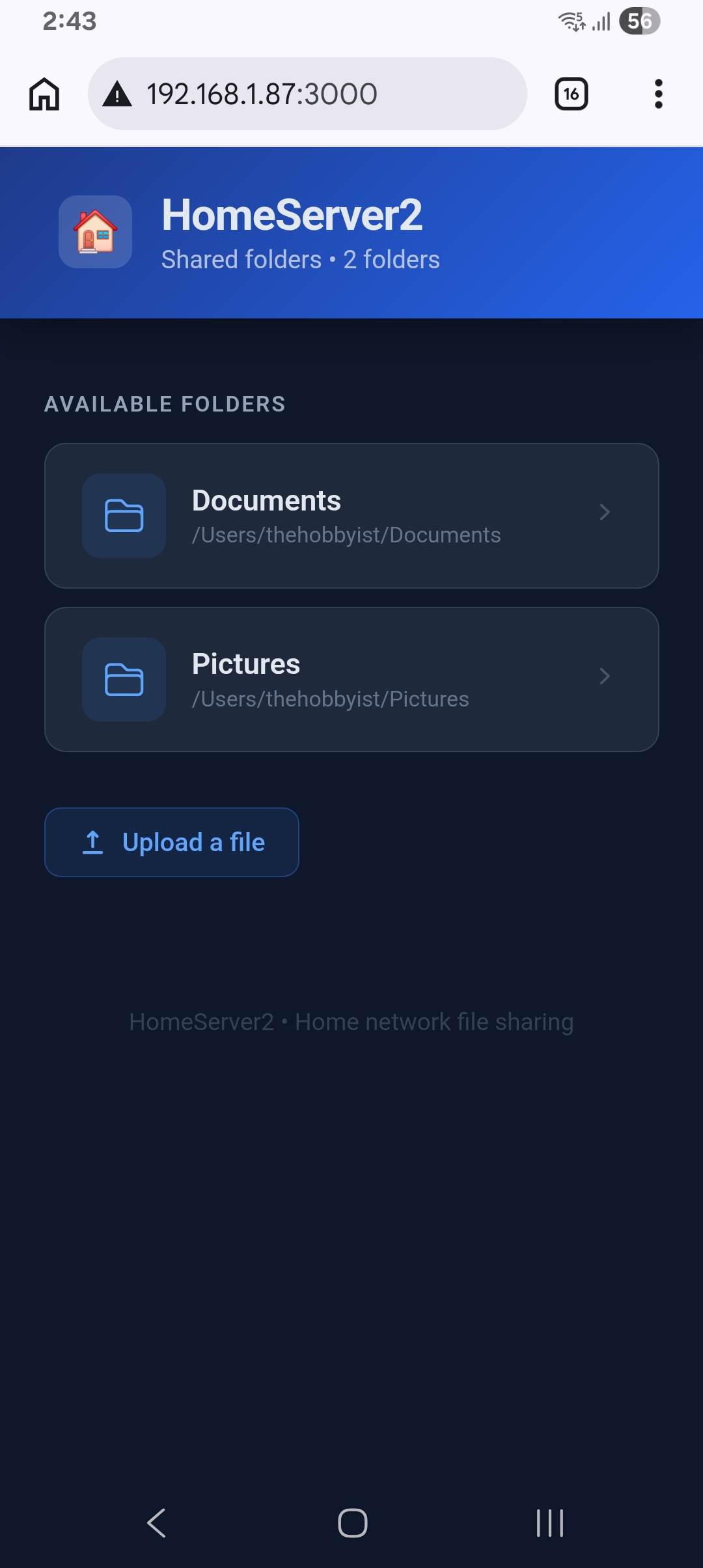
Devices on the network get a polished folder-listing page —
click a folder to browse, click a file to download. Works on
any browser, any OS, no app needed on the client.